Audio Room Accessories: 4 Picks for Better Sound and Organization

Affiliate disclosure: Some links on this page are affiliate links. If you buy through them we earn a small commission at no extra cost to you. Recommendations are research-driven; we don't claim personal use of every product reviewed. Product prices and availability are accurate as of the date published and are subject to change. Always check Amazon for current pricing before purchasing. Learn more.
| Product | Price Range | Top Strength | Key Weakness | Buy |
|---|---|---|---|---|
| BRAINWAVZ Hengja Desk Headphone Stand Hanger All Metal Rotatable also consider | $ | Clamps to desk edge, no surface footprint required | Requires a compatible desk edge for clamping | Buy on Amazon |
| iFi Audio iFi iPower2 Ultra Low Noise AC/DC Adapter also consider | $ | Measured noise floor well below standard USB chargers or wall adapters | Benefits depend on the noise immunity of the device being powered | Buy on Amazon |
| iFi Audio iFi iSilencer+ USB Noise Filter also consider | $ | Reduces USB-borne electrical noise that can affect DAC performance | Benefit highly dependent on existing system USB noise levels, variable results | Buy on Amazon |
Getting your headphone collection off the desk and keeping your signal chain clean are two problems most desktop audio enthusiasts hit within the first year of the hobby, and both have practical, affordable solutions worth understanding before you buy. The right accessories can tighten up a listening space without a full room renovation or a significant budget. This guide covers three picks that address desk organization and signal quality for a typical mid-fi setup.
The challenge is knowing which accessories solve real problems and which solve imaginary ones. A headphone stand is unambiguously useful. A USB noise filter may or may not matter depending on your existing noise floor. Understanding the distinction before spending is the point of what follows.
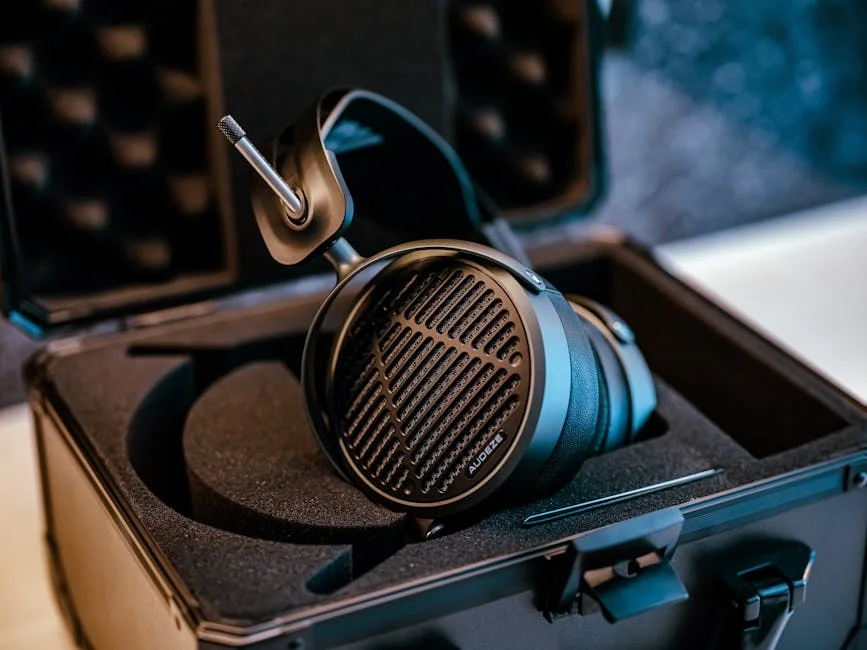
What to Look For in Audio Room Accessories
Desk Organization: Stands, Hangers, and Surface Management
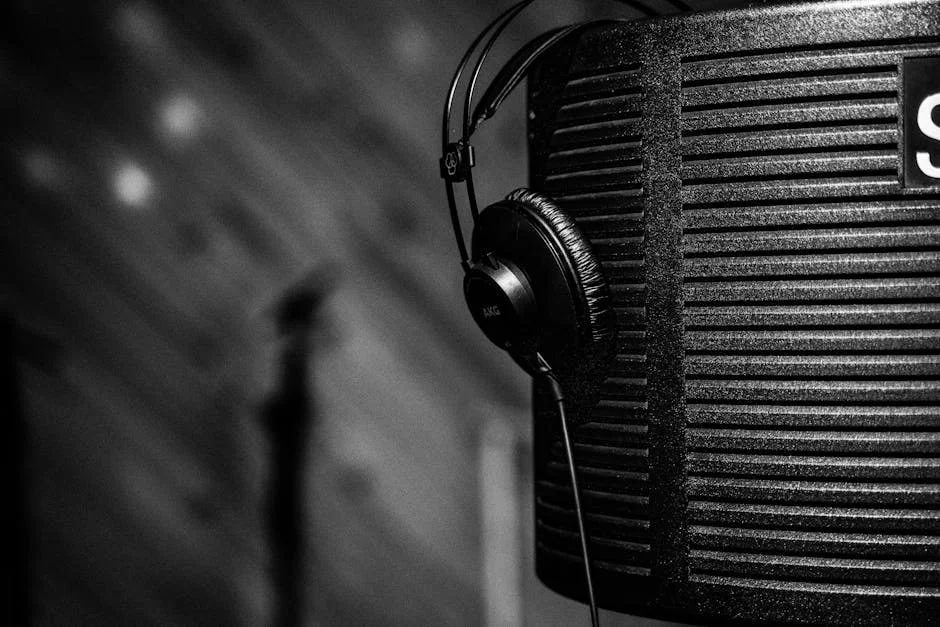
A cluttered desk creates cable management problems that compound over time. A headphone stand or hanger removes one variable from that tangle by giving the headphones a dedicated home off the cable pile. The practical question is whether you want a freestanding stand that occupies desk surface or a clamping hanger that uses the desk edge instead.
For most single-headphone setups, a freestanding stand is the cleaner visual solution and easier to reposition. For setups where desk space is genuinely scarce, such as a compact desk with two monitors and a full-size keyboard, a clamp-mount hanger reclaims that surface entirely. Neither approach is inherently superior; the choice depends on your desk geometry and how many headphones you need to store.
Material matters more for aesthetics than durability at the budget tier. Solid wood stands age well and complement the look of premium headphones, while all-metal construction reads as more utilitarian but is very robust.
Power Quality: When It Matters and When It Doesn’t
Not all audio equipment is equally sensitive to power supply noise. DACs and phono preamps with high-sensitivity input stages are the most likely candidates to benefit from a low-noise power supply. A standard switching wall adapter introduces hash into the power rail; a purpose-built low-noise adapter reduces that hash at the source.
The caveat: the audible impact depends on your equipment and your existing noise floor. A DAC with good power supply rejection built in will show minimal benefit from a premium power adapter. Diagnosing whether your system actually has a power noise problem before buying a solution is the right sequence.
USB Noise: Diagnosing Before You Treat
USB-borne electrical noise is a recognized phenomenon. Computer USB ports carry both data and power on the same bus, and switching noise from the power side can contaminate the data side in ways that affect DAC performance in sensitive systems. The symptoms are a faint background hiss or hash that changes character with CPU load or display activity.
If your system is quiet with no music playing and clean at low listening levels, USB noise is likely not your problem. If you hear a consistent floor of electrical noise that wasn’t present from a standalone source, a USB filter is a low-cost first diagnostic step before committing to a USB isolator or galvanic isolation solution. Looking through the full accessories range for your signal chain before jumping to expensive solutions often reveals a cheaper path to the same result.
Build Quality and Longevity at Budget Tier
Budget-tier audio accessories have improved substantially in recent years, with better materials and tighter tolerances. Budget still means trade-offs: wood grain variation in wooden stands, unit-to-unit finish differences, and occasionally inconsistent clamping force in metal hardware.
For accessories that don’t carry audio signal, build quality tolerance is higher: a headphone stand that looks slightly different from the product photo doesn’t affect your listening. For signal-chain accessories such as power adapters and USB filters, consistency of electrical performance matters more than cosmetics, and established audio brands are a safer choice than anonymous white-label alternatives.
Top Picks
BRAINWAVZ Hengja Desk Headphone Stand Hanger All Metal Rotatable
The BRAINWAVZ Hengja approaches headphone storage from a different premise than a standalone stand: the desk surface should be reserved for equipment. The clamp mount attaches to the desk edge and puts the hanger arm in the space in front of or beside the desk rather than on it. For a setup where a DAC, amp and keyboard already fill the available footprint, that matters.
The rotatable arm folds back against the desk edge when the headphones are in use, rather than projecting into the workspace.
The compatibility constraint is real and worth checking before ordering. Desks with thick edges, unusual profiles or glass tops may not accommodate the clamp mechanism. The product description specifies compatible edge thickness ranges, so measure your desk edge before assuming fit.
Check current price on Amazon.
iFi iPower2 Ultra Low Noise AC/DC Adapter
Power supply quality is one of the least glamorous topics in desktop audio and one of the more consequential for sensitive equipment. The iFi iPower2 targets the noise that standard switching adapters introduce into the power rail of DACs, phono preamps and headphone amplifiers, the kind of hash that shows up as a slightly elevated noise floor in otherwise clean systems.
The iPower2 is offered in multiple voltage options. Matching the adapter to your equipment’s voltage requirement is non-negotiable, and having the right voltage available in the same product line avoids the substitution problem.
The benefit depends entirely on what’s upstream. A DAC with a well-designed internal power supply and good power supply rejection will show less improvement than one with a minimal power section. The iPower2 is the right answer for the latter. It is not a universal upgrade.
Check current price on Amazon.
iFi iSilencer+ USB Noise Filter
The iFi iSilencer+ addresses a different noise pathway than the iPower2: USB-borne electrical noise rather than AC power noise. The filter sits between the computer USB port and the DAC, attenuating switching noise on the USB power bus before it reaches the DAC’s input stage. At the physical scale of a USB cap, the form factor adds no cable management complexity.
USB noise is a recognized issue in desktop systems with electrically busy USB hubs. A filter should help where a measurable USB noise problem exists and make no difference in an already-clean system, which is the correct outcome: a filter that does nothing in a quiet system is working as intended.
The boundary condition: the iSilencer+ is a filter, not a galvanic isolator. If the problem is a ground loop, audible as a hum that changes with grounding conditions, a USB isolator is the correct tool. The iSilencer+ treats conducted noise, not ground potential differences. Knowing which problem you have before buying determines whether this is the right solution or a dead end.
Check current price on Amazon.
Buying Guide
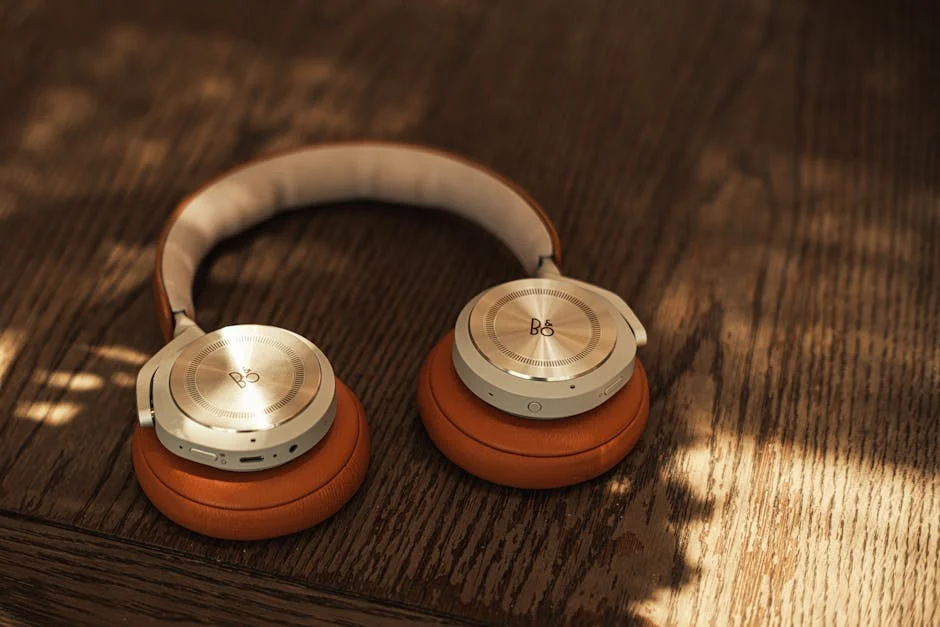
Start With the Problem You Actually Have
The most common accessory mistake is buying a solution before confirming the problem. Before adding anything to the signal chain, characterize the existing setup: Is the noise floor quiet? Does the headphone have a permanent home that isn’t a cable pile? Is the desk surface genuinely scarce, or just modestly full?
A headphone stand addresses a real problem, headphone storage, for every desktop user who owns one pair. Signal-chain accessories address problems that exist in some systems and not others. Spending on a USB filter before confirming USB noise is skipping the diagnostic step.
A sensible sequence: address physical organization first (stands, hangers), then characterize the noise floor with the existing equipment, then selectively address noise problems with the appropriate tool.
Matching Accessories to Your Desk Geometry
Desk geometry determines the right headphone storage format. A freestanding stand requires surface footprint but works on any desk. The Hengja requires edge access and compatible edge thickness but returns the surface entirely.
Measure the desk edge thickness if the Hengja is on your shortlist. Desks with angled, rounded or glass edges often fall outside the standard clamp range, and a mismatch means a return. Two minutes with a ruler prevents that.
For multiple headphones, a single hanger does not scale past one or two pairs, and multi-headphone storage is a different product category.
Signal-Chain Accessories: System-Dependent Benefits
Both iFi accessories deliver benefits that are conditional. The iPower2 addresses AC power noise; the iSilencer+ addresses USB power noise. They target different points in the same signal path and are not substitutes for each other.
The right evaluation framework is to identify the symptom first. A hiss or hash that is present with no music playing and no input connected points to power supply noise. A hiss that changes with computer activity, CPU load, display or USB device activity points to USB noise. Each symptom has a corresponding tool.
Buying both speculatively is reasonable if the budget supports it, since accessories from the same brand are easy to return, but the better path is one targeted fix based on a diagnosed problem. The full accessories category also includes alternatives, such as USB isolators, power conditioners and ferrite chokes, that may suit severe ground loop or conducted EMI problems better.
Brand Trust and the Budget Accessories Market
iFi Audio is an established name in audio accessories, which counts for something where electrical performance is otherwise unknown, as it is with anonymous alternatives. For anything in the signal chain, a manufacturer that publishes specifications is a safer choice than marketing language.
At the desk organization tier, brand matters less. A headphone stand’s job is done by its material and construction, not by engineering.
Frequently Asked Questions
Do I need a USB noise filter if my system sounds quiet?
If there's no audible noise floor with the music paused and volume at listening levels, USB noise is likely not affecting your system. The iSilencer+ will have nothing to filter and will pass signal unchanged, which is the correct outcome, not a failure. Reserve it for systems where a hiss or background hash is present and correlates with computer activity.
What's the difference between the iFi iPower2 and the iSilencer+?
They address different noise pathways. The iFi iPower2 replaces the AC wall adapter powering your DAC or amp, reducing noise at the power rail. The iFi iSilencer+ sits in the USB data path between your computer and DAC, filtering noise carried on the USB bus. A system with both AC and USB noise problems benefits from both; most systems only have one or the other.
Should I buy a freestanding stand or the Brainwavz Hengja?
The decision is almost entirely about desk space and edge geometry. A freestanding stand needs surface area; the Hengja needs a compatible desk edge. If your desk has an accessible standard-thickness edge and surface space is genuinely constrained, the Hengja is the stronger choice. If desk edge access is uncertain or you prefer a freestanding option, a standalone stand works on any flat surface without measurement prerequisites.
Will a better power supply make an audible difference to my DAC?
It depends on the DAC's internal power supply design and how noisy the original adapter was. DACs with well-engineered PSRR circuits absorb power supply noise before it reaches the audio stage. DACs running on generic switching adapters with no audio-specific design are the most likely candidates to benefit.
Can the Brainwavz Hengja hold a heavy planar headphone?
The all-metal construction handles the weight. The more relevant constraint is desk edge compatibility, clamp security depends on edge geometry, not on headphone weight. A compatible edge holds the assembly firmly regardless of headphone mass.
Where to Buy
- BRAINWAVZ Hengja Desk Headphone Stand Hanger All Metal RotatableSee price on Amazon
- iFi Audio iFi iPower2 Ultra Low Noise AC/DC AdapterSee price on Amazon
- iFi Audio iFi iSilencer+ USB Noise FilterSee price on Amazon