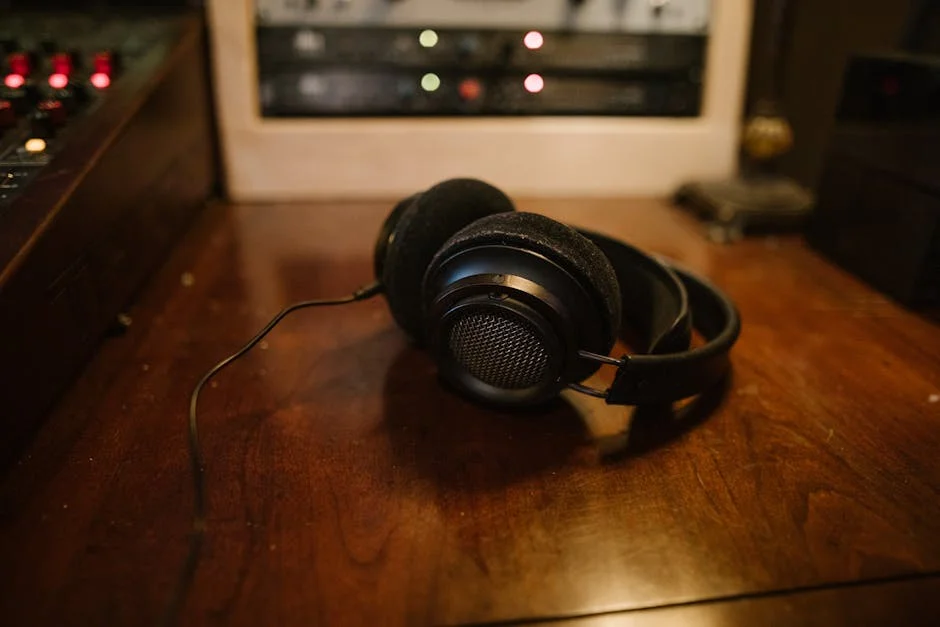
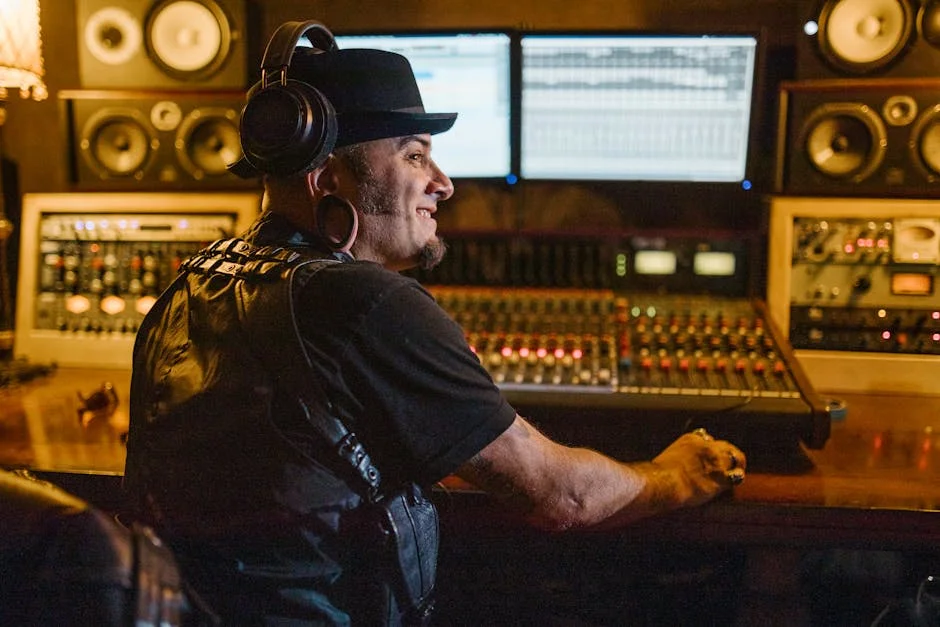
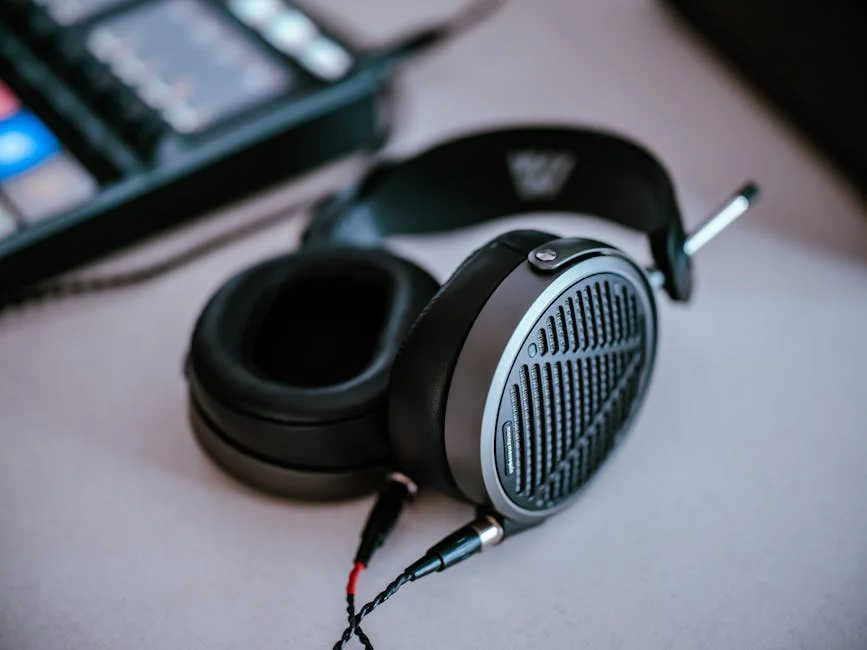
EQ for Headphones: A Practical Guide to Sound Tuning

Affiliate disclosure: Some links on this page are affiliate links. If you buy through them we earn a small commission at no extra cost to you. Recommendations are research-driven; we don't claim personal use of every product reviewed. Product prices and availability are accurate as of the date published and are subject to change. Always check Amazon for current pricing before purchasing. Learn more.
| Product | Price Range | Top Strength | Key Weakness | Buy |
|---|---|---|---|---|
| iFi Audio iFi xDSD Gryphon Portable Bluetooth DAC/Amplifier also consider | $$$ | Bluetooth aptX Adaptive delivers near-lossless wireless audio | Premium price in a portable device that can be lost or damaged | Buy on Amazon |
| Chord Electronics Chord Mojo 2 Portable DAC/Amp also consider | $$$ | Custom FPGA implementation with Chord's proprietary WTA filter | Ball-button interface is unintuitive and confusing for new users | Buy on Amazon |
| Sony WF-1000XM5 True Wireless Noise Canceling Earbuds also consider | $$$ | Best-in-class ANC among true wireless earbuds | Premium price; XM4 or XM3 available second-hand at significant discount | Buy on Amazon |
| Apple AirPods Pro 2nd Generation with MagSafe Case also consider | $$$ | Best ANC integration in the Apple ecosystem with system-level compatibility | AAC codec ceiling limits audio quality on non-Apple devices | Buy on Amazon |
| HiBy R3 Pro Saber Portable Music Player also consider | $ | 4.4mm balanced output at ~$129, exceptional value for balanced portable audio | Screen small and touch interface less responsive than flagship DAPs | Buy on Amazon |
EQ for headphones is one of the most practical skills a hobbyist can develop, and one of the most misunderstood. Which is zero cost, in most cases.
This guide covers how EQ works for headphones, what tools to use, and how to apply it practically, whether you’re on a desktop stack or a portable source. If you’re newer to the hobby and building your first system, the Audiophile Basics hub is a solid place to ground the concepts referenced here.
What Is EQ and Why Does It Matter for Headphones
Equalization is the process of boosting or cutting specific frequency ranges in your audio signal. In the headphone context, EQ is used to correct a headphone’s measured frequency response toward a preference target, compensate for known colorations, or simply adjust to taste.
Every headphone has a measured frequency response curve. That curve tells you how loud different frequencies are reproduced relative to each other. If a headphone is 4dB bright at 8kHz, that’s not a flaw requiring a hardware fix. It’s a parameter you can address in software. The ASR measurements database and Crinacle’s graph tool are two common resources for looking up a headphone’s curve.
Why Headphone EQ Is Different from Speaker EQ
Speaker EQ has to account for room acoustics. A flat speaker in a reflective room sounds anything but flat. Headphones bypass the room almost entirely, which means their frequency response is much more predictable and correctable. A 3dB boost at 200Hz on a headphone will sound like approximately a 3dB boost at 200Hz. The relationship between the EQ curve and the audible result is direct enough that targets developed from measurement data actually translate into real listening improvements.
This also means headphone EQ is more forgiving to get into. You’re working with a closed variable, not a room-dependent system. If you’ve been hesitant to try EQ because it seems technically complex, this is genuinely one of the more accessible parts of the hobby.
The Frequency Bands That Matter Most
For most headphone EQ work, you’ll be focusing on three regions. Sub-bass and bass (20Hz to 250Hz) covers rumble, weight, and warmth. Midrange (250Hz to 4kHz) covers vocal presence and instrument body, and it’s the region where aggressive EQ moves tend to sound most artificial if overdone. Treble (4kHz to 20kHz) covers detail, air, and perceived brightness.
Most headphone corrections happen in the bass shelf (adding warmth or low-end weight), the upper midrange (taming a peak around 2-4kHz that causes fatigue), and the lower treble (reducing a 6-8kHz spike that adds harshness).
The Software Tools Worth Knowing
Parametric EQ vs. Graphic EQ
A graphic EQ divides the spectrum into fixed bands, usually 10 or 31, and lets you adjust each band by a fixed amount. It’s easy to visualize but limited in precision. A parametric EQ lets you specify the center frequency, the bandwidth (called Q or bandwidth factor), and the gain. That precision is what makes parametric EQ the standard for headphone correction work.
For desktop use, the most commonly recommended free parametric EQ tools are Peace EQ (a GUI for the Equalizer APO system-wide equalizer on Windows) and eqMac on macOS. Roon subscribers have a built-in parametric EQ that many users consider the cleanest implementation for a playback system. For IEM users, many source apps including Poweramp and USB Audio Player Pro include capable parametric EQ modules.
AutoEQ and the Preset Ecosystem
AutoEQ is an open-source project that generates parametric EQ presets from headphone measurements, targeting established preference curves including the Harman target. For supported headphones, you can pull a ready-made preset, load it into your EQ tool, and have a corrected curve running in under five minutes.
The presets are useful starting points, not end states. Recommend loading one, listening for a session, and then adjusting to taste rather than accepting the preset as definitively correct. The Harman target is well-researched and generally liked, but individual preference varies, particularly in bass shelf amount and treble air.
How to EQ Headphones: A Practical Starting Point
Start with a Measurement, Not Your Memory
Before adjusting anything, find a reliable measurement of your headphone. ASR and Crinacle both publish frequency response graphs. Identify the obvious deviations: spikes, dips, and shelving differences from the target you want to hit. Note the frequencies and approximate decibel values of the worst offenders.
Use a consistent set of reference tracks when judging EQ changes: an intimate, mid-forward recording shows midrange colouration, a track with sustained low-frequency tones tests bass extension and bloom, and one with sharp transients and electronic textures exposes treble roughness.
The Three-Step Correction Sequence
First, cut before you boost. If a headphone is bright in the treble, cut the offending frequency rather than boosting the bass to compensate. Each boost adds gain and can push your amplifier into clipping or raise your listening volume, which degrades the result. Cuts are generally more transparent.
Second, use a preamp or output level compensation. Most EQ tools have a preamp control. If you’re applying 6dB of total gain in boost bands, pull the preamp down by 6dB to maintain the same output level. This prevents clipping downstream. Third, make changes incrementally. A 1.5dB adjustment that you can confirm audibly is more useful than a 6dB move that changes everything at once.
EQ on Portable Sources
EQ on portable sources is more constrained than desktop but increasingly capable. Several mid-range and premium digital audio players include built-in parametric EQ, and the implementations vary in quality and flexibility. Streaming apps like Qobuz and Tidal have their own EQ modules (Tidal’s is particularly well-featured), and third-party apps on Android can intercept system audio for EQ purposes.
The practical ceiling on portable EQ is often the source hardware itself. A device with limited headroom will clip when EQ boosts push the signal above its threshold. This is one area where purpose-built portable audio hardware can offer a real advantage over smartphone playback.
Buying Guide: Source Hardware That Supports Good EQ Work
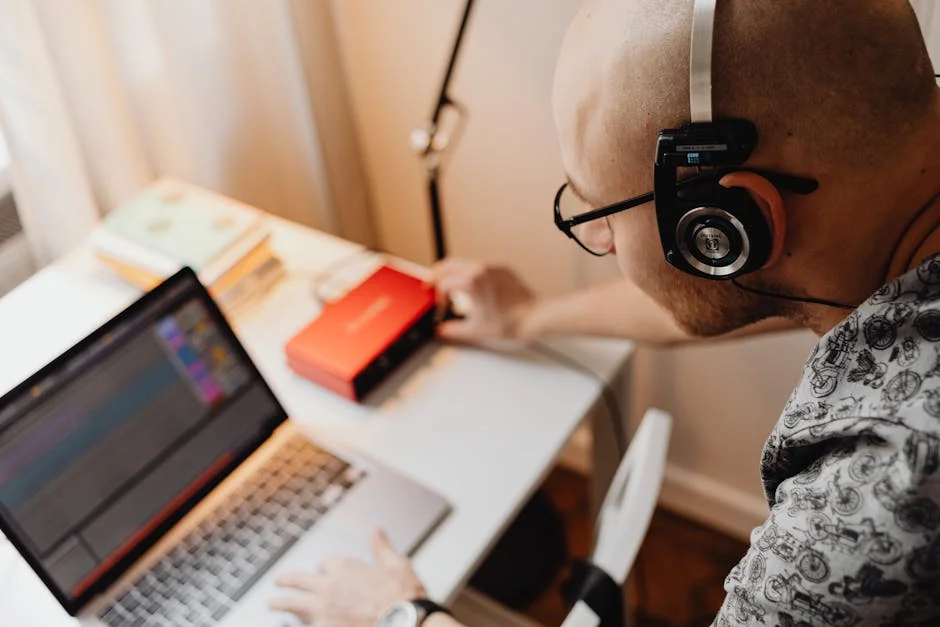
The discussion of EQ for headphones is inseparable from the source chain feeding that signal. Good EQ requires a source with enough headroom to handle boosts without distortion, a stable signal path, and ideally enough output power to drive your headphones cleanly. The broader context for these decisions is covered in the Audiophile Basics section, including how DACs and amplifiers interact with headphone performance.
Understanding DAP vs. Phone + Dongle for Portable EQ
The most common debate for portable EQ users is whether a dedicated digital audio player (DAP) offers meaningful advantages over a modern smartphone paired with a quality USB DAC dongle. The honest answer in 2024 is that for most EQ applications, a well-implemented dongle on a current Android phone with a capable EQ app covers the technical requirements.
Where DAPs earn their place is in user experience, battery separation from your phone, and dedicated audio circuitry that often provides more headroom for EQ boost applications. A DAP with a proper parametric EQ built into the firmware and enough output power to drive demanding headphones is a purpose-built tool. Whether that tool justifies its cost over a phone plus dongle depends entirely on the user’s workflow.
Balanced Output and Its Relationship to EQ
Many mid-range and premium DAPs offer balanced output, typically 4.4mm pentaconn. Balanced output doubles the voltage swing available to the headphone and reduces crosstalk between channels. For EQ applications specifically, balanced output gives you more headroom before clipping when applying boosts. This is a practical benefit.
That said, balanced output only helps if the amplifier section has enough clean gain to take advantage of it. The improvement scales with how demanding your headphones are and how aggressive your EQ curve is.
Bluetooth Sources and EQ Latency
EQ over Bluetooth introduces latency considerations that wired sources don’t face. Most Bluetooth EQ is applied in the device or in an app before the signal is transmitted, which keeps latency manageable. But processing chain matters. If your EQ is applied via a system-wide audio layer and your Bluetooth stack introduces additional processing, you can end up with an audible delay, most noticeable with video.
For music listening specifically, Bluetooth EQ latency is generally not an issue. The codecs covered in the products below, particularly aptX Adaptive and LDAC, handle processed audio correctly without audible degradation from the EQ chain.
When to Prioritize EQ Hardware Features
If EQ is central to how you listen, prioritize hardware with dedicated parametric EQ interfaces, adequate output level compensation controls, and enough output power to stay clean after boosts. A well-implemented parametric EQ built into a DAP or DAC/amp is preferable to relying on a third-party app layered on top of an operating system audio stack. The fewer layers between your EQ curve and the DAC, the lower the risk of rounding or aliasing artifacts.
Top Picks: Portable Sources for EQ-Focused Listeners
iFi xDSD Gryphon
The iFi xDSD Gryphon is a premium portable DAC/amp with aptX Adaptive Bluetooth and a physical analog volume dial. The aptX Adaptive codec delivers near-lossless audio quality over Bluetooth, which means EQ applied at the source device arrives at the Gryphon with minimal codec-induced coloration.
The XBass and XSpace filters built into the Gryphon are worth noting in an EQ context. These are hardware DSP filters that add bass warmth and soundstage processing respectively. The filters can be switched off, which is the right approach if you’re running your own parametric EQ curve.
The premium investment in a portable device carries the risk of loss or damage that desktop hardware doesn’t face. For commuters and mobile listeners with quality IEMs who want Bluetooth audio with aptX Adaptive quality and prefer hardware controls, the Gryphon addresses a specific use case well.
Check current price on Amazon.
Chord Mojo 2
The Chord Mojo 2 uses Chord’s proprietary FPGA implementation with their WTA (Watts Transient Aligned) filter rather than an off-the-shelf DAC chip. This is a genuinely unusual technical approach in the portable DAC/amp category. Measured performance is excellent by ASR standards, which matters for EQ applications because a cleaner DAC implementation produces less interaction between EQ processing and the noise floor.
The ball-button interface is a recurring theme, and not favorably. For a premium device, the interface is a legitimate design criticism, not audiophile nitpicking.
The Chord Mojo 1 is available second-hand at a meaningful discount and represents better value for most buyers who don’t specifically need the Mojo 2’s DSP feature additions.
Check current price on Amazon.
Sony WF-1000XM5
The Sony WF-1000XM5 is Sony’s flagship TWS earbud, and for EQ-focused wireless listeners it checks multiple boxes. LDAC codec support delivers near-lossless audio quality over Bluetooth, and the Sony Headphones Connect app includes a detailed parametric-adjacent EQ with multiple bands and a customizable profile system.
The ANC performance is regarded as among the best of true wireless earbuds. For listeners who want EQ and noise cancellation together in a wireless package, the XM5 is the reference product at the premium tier.
The earpiece size is larger than some competing TWS products, and fit reports vary by ear shape. If you have the option to demo the fit before committing, it’s worth doing. The XM4 is available second-hand at a meaningful discount and uses the same LDAC and app EQ ecosystem.
Check current price on Amazon.
Apple AirPods Pro 2nd Generation with MagSafe Case
The Apple AirPods Pro 2nd Generation are the mainstream entry point for premium TWS ANC earbuds, and for Apple ecosystem users they represent a genuinely useful package. The system-level integration with iOS and macOS means EQ settings applied in the Apple Music app or through third-party audio apps propagate cleanly through the AirPods’ processing chain.
The hard limitation for audiophile EQ use is the AAC codec ceiling. When used with Android devices or non-Apple sources, the AirPods Pro 2 fall back to AAC, which compresses audio more aggressively than LDAC or aptX Adaptive. The ceiling matters most with high-quality source material, where the difference between AAC and LDAC or aptX Adaptive is easiest to hear.
For Android users or those who want maximum flexibility in EQ and codec quality, the Sony XM5 is the better-matched option. For committed Apple ecosystem users who want the best integration of Spatial Audio, ANC, and app-level EQ, the AirPods Pro 2 remain the category standard.
Check current price on Amazon.
HiBy R3 Pro Saber
The HiBy R3 Pro Saber is a compact budget DAP built around an ES9219C chip with a 4.4mm balanced output, which at the budget price point is genuinely unusual value. Spec data shows the 4.4mm balanced output provides the additional voltage headroom that’s useful for EQ boost applications on demanding IEMs.
The Android version limitations mean some current streaming apps run with varying stability. Local file playback with the built-in EQ is reliable, while streaming app experience is more variable.
For IEM users wanting a dedicated source with balanced output and built-in EQ at budget pricing, the R3 Pro Saber is a strong entry point. It demonstrates that dedicated audio hardware features, balanced output, a proper DAC chip, and system-level EQ, are accessible without premium investment.
Check current price on Amazon.
Putting It Together
EQ for headphones is one of the highest-leverage, lowest-cost tools in the hobby. A well-applied parametric curve on a measured headphone can do more for your listening satisfaction than most hardware upgrades at the same or greater cost. The barrier is knowledge, not equipment. Start with a reliable measurement, understand what you’re hearing relative to the curve, and make small adjustments with a reference track you know well.
The source hardware covered above matters for EQ quality because headroom, output power, and codec quality all affect how cleanly your EQ curve translates into the signal reaching your ears. But the best EQ setup is the one you’re actually using. A basic parametric EQ on a free desktop app, applied to a headphone you know well with test tracks you trust, is more useful than premium hardware sitting unconfigured.
For more foundational context on building a headphone listening system, the Audiophile Basics hub covers DACs, amplifiers, and source chain decisions in detail that complements what’s covered here.
Frequently Asked Questions
Does EQ damage headphones?
EQ does not physically damage headphones under normal use. The risk is volume-related, not EQ-specific. If you apply large bass boosts at high listening volumes, you are increasing the power delivered to the driver at low frequencies, which can stress the driver over time. Apply output level compensation equal to your total boost amount, keep listening volumes reasonable, and the risk is negligible.
What is the Harman headphone target and should I use it?
The Harman target is a frequency response preference curve developed by researchers at Harman International through listening tests with a large sample group. It is widely used as a baseline for EQ targets because it has empirical support behind it. It calls for elevated bass compared to a flat response and a relatively neutral midrange and treble. Use it as a starting point and adjust from there based on your own preference.
Is EQ better applied in software or hardware?
For most headphone listeners, software parametric EQ is the better approach. It is free, flexible, reversible, and precise in ways that hardware tone controls typically are not. Hardware EQ, meaning physical bass and treble controls on an amplifier, is a fixed implementation that lacks the band-specific control of a parametric tool. The one advantage hardware DSP filters can offer is lower processing latency in some implementations, which matters for gaming or video more than music listening.
Can I use EQ on Bluetooth headphones and earbuds?
Yes, with some nuances. EQ applied on the source device before Bluetooth transmission works normally, provided your codec does not introduce artifacts on the processed signal. LDAC and aptX Adaptive handle pre-processed audio well. Some wireless earbuds have EQ built into their companion apps, which means the processing happens after the Bluetooth transmission. Both approaches work, and for music listening the difference is not audible in practice.
Do I need expensive source hardware to use EQ effectively?
No. A free parametric EQ app running on a laptop or desktop computer feeding a basic DAC/amp stack is enough to apply effective headphone EQ. The quality of your EQ result is more dependent on the accuracy of your target curve and your willingness to make small, careful adjustments than on the cost of your source hardware. More expensive hardware can provide more headroom for large boosts and a cleaner noise floor, but neither advantage matters until you have a solid EQ workflow established with simpler tools.
Where to Buy
- iFi Audio iFi xDSD Gryphon Portable Bluetooth DAC/AmplifierSee price on Amazon
- Chord Electronics Chord Mojo 2 Portable DAC/AmpSee price on Amazon
- Sony WF-1000XM5 True Wireless Noise Canceling EarbudsSee price on Amazon
- Apple AirPods Pro 2nd Generation with MagSafe CaseSee price on Amazon
- HiBy R3 Pro Saber Portable Music PlayerSee price on Amazon